
QR Code Menu Restaurant - Transform Your Digital Experience

Scan with your smartphone!

Multilingual Customer Experience
Multilingual menu for all customers
Offer guests a menu they can instantly read and understand. Support for more than 50 languages lets customers switch to their preferred language with one tap. Ideal for restaurants in tourist areas.
Accurate automatic translations for dishes and descriptions.
Add or enable new languages in one click.
Customers switch languages instantly inside the menu
有机鸡蛋配香草、菠菜和帕尔马干酪
$10.90
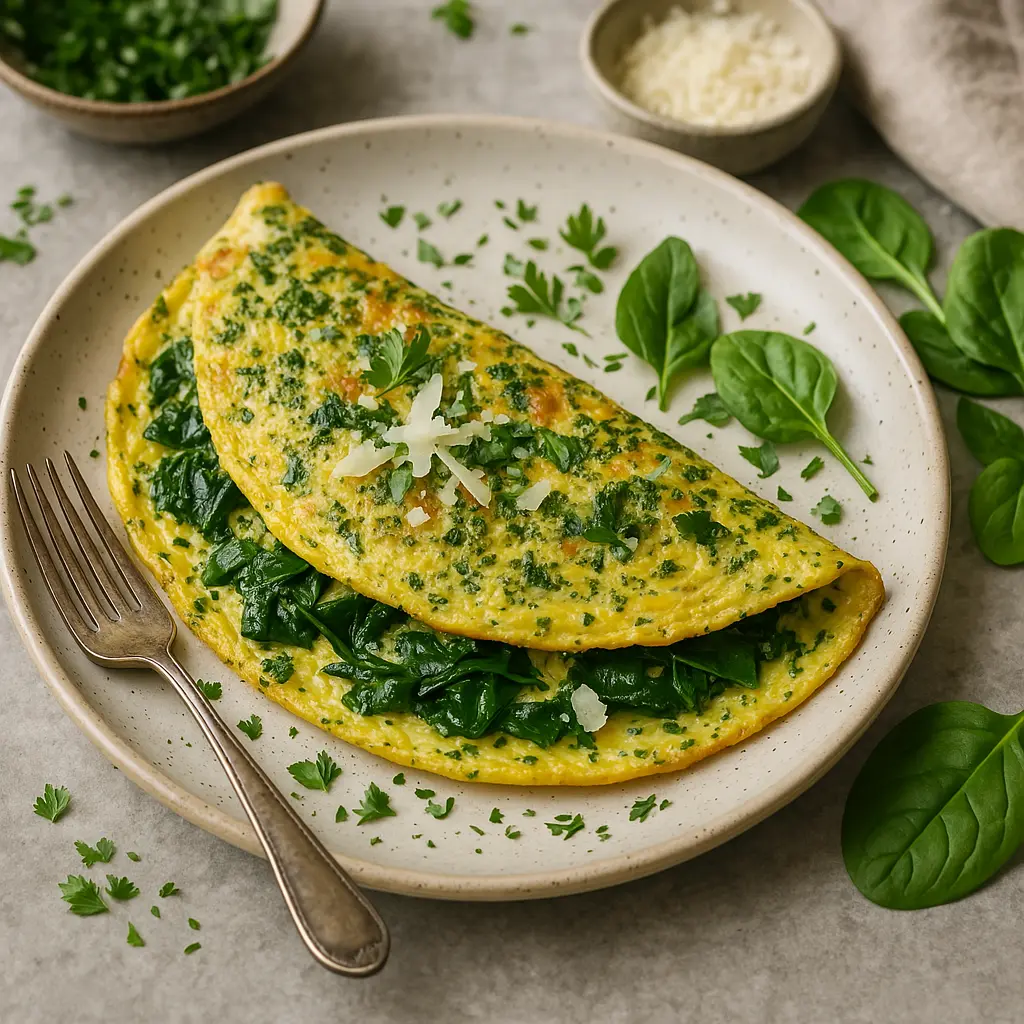
Organic eggs with herbs, spinach, and parmesan
$10.90
Oeufs bio, fines herbes, épinards, parmesan
$10.90

Update Your Menu Anytime
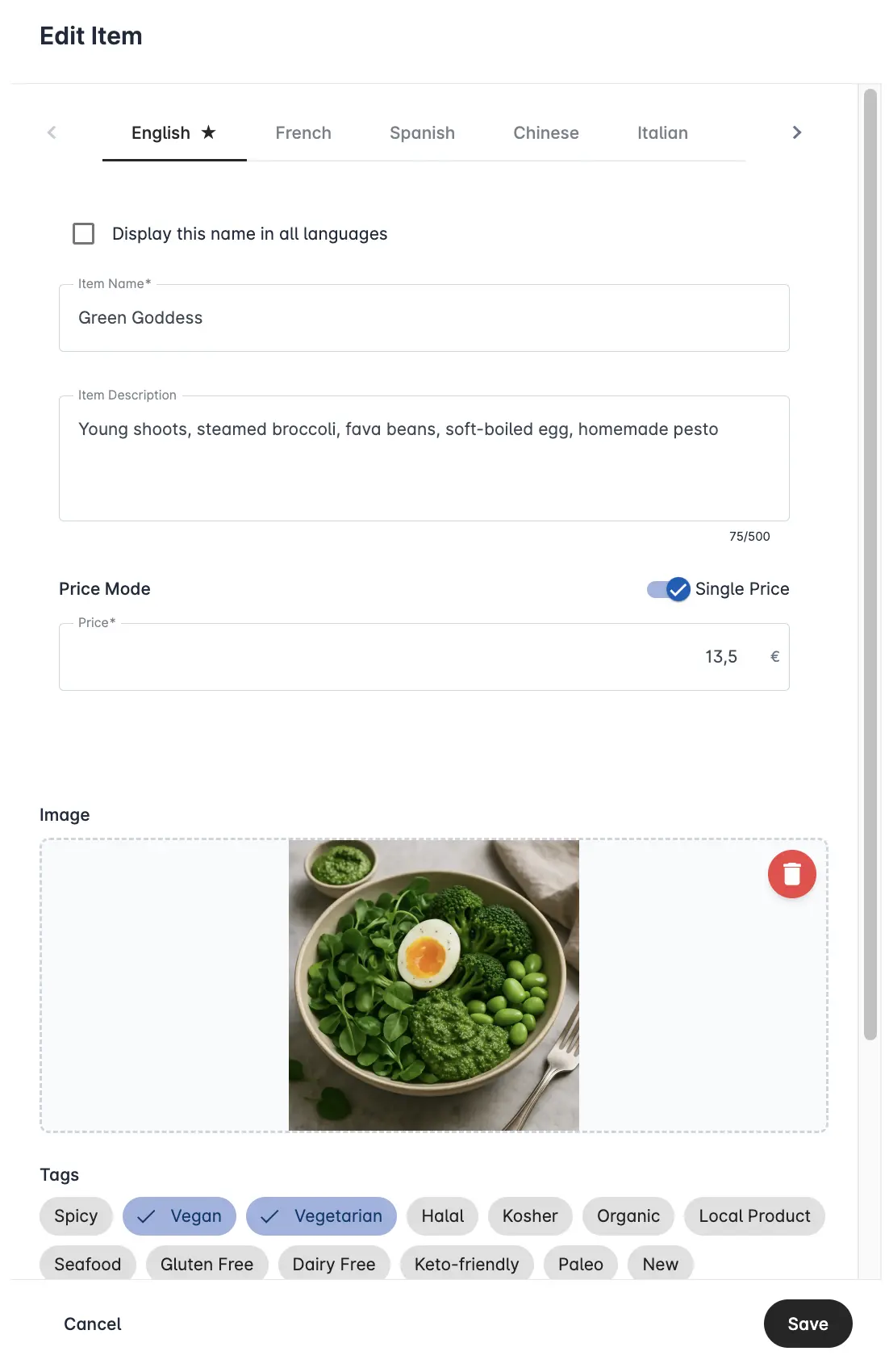
Instant menu updates with one click
Change items, update prices, or remove unavailable dishes in real time. Your menu stays accurate throughout the day without printing or technical steps.
Real-time updates ideal for busy hours.
Edit descriptions, photos, or ingredients anytime.
Easily manage seasonal menus and daily specials.
Full Control, Categorized Menus
Organize your menu the way you serve
Create clear sections like Breakfast, Lunch, Dinner, Drinks, and Desserts. A structured menu helps guests navigate quickly and keeps your content simple to manage.
Create, rename, or reorder categories easily.
Upload your PDF menu to extract items and speed up setup.
Add photos, adjust details, and publish changes instantly.


Allergen Information
Clear allergen labels for safer choices
Make dining easier for guests with dietary needs. Tag allergens quickly so customers can see what’s safe for them at a glance.
Add allergen tags in seconds.
Helps guests choose confidently.
Digitally Available, No App Required
Guests scan and view, nothing to download
Your menu opens directly in any mobile browser. No apps, no logins. Just fast and easy access for every guest.
Works on all devices and screen sizes.
No installations or sign-ups required.
Optimized for speed and clarity at the table.


Control Your Appearance
Make the menu look like your brand
Upload your logo, choose a cover image, and use high-quality food photos to create a menu that reflects your restaurant’s identity.
Add your logo and cover image easily.
Use high-quality dish photos for a professional look.
Clean, readable layout suited for all menu styles.
Dashboard, Visitor Statistics & Insights
Data that helps you understand your customers
See how guests interact with your menu. Simple insights help you refine offerings, plan specials, and understand demand patterns.
Track menu visits and unique scanners.
See top-clicked dishes.
Identify peak days and busy hours.


Custom / Branded QR Code
Branded QR codes that lead guests to your menu
Create your own branded QR code in seconds. Add it to tables, takeaway bags, or printed materials, each scan takes customers directly to your menu.
Add your logo and customize your QR code style.
Download print-ready files for quick placement (e.g. stickers or table cards).
Boost your Google Reviews

Automatically display your best reviews
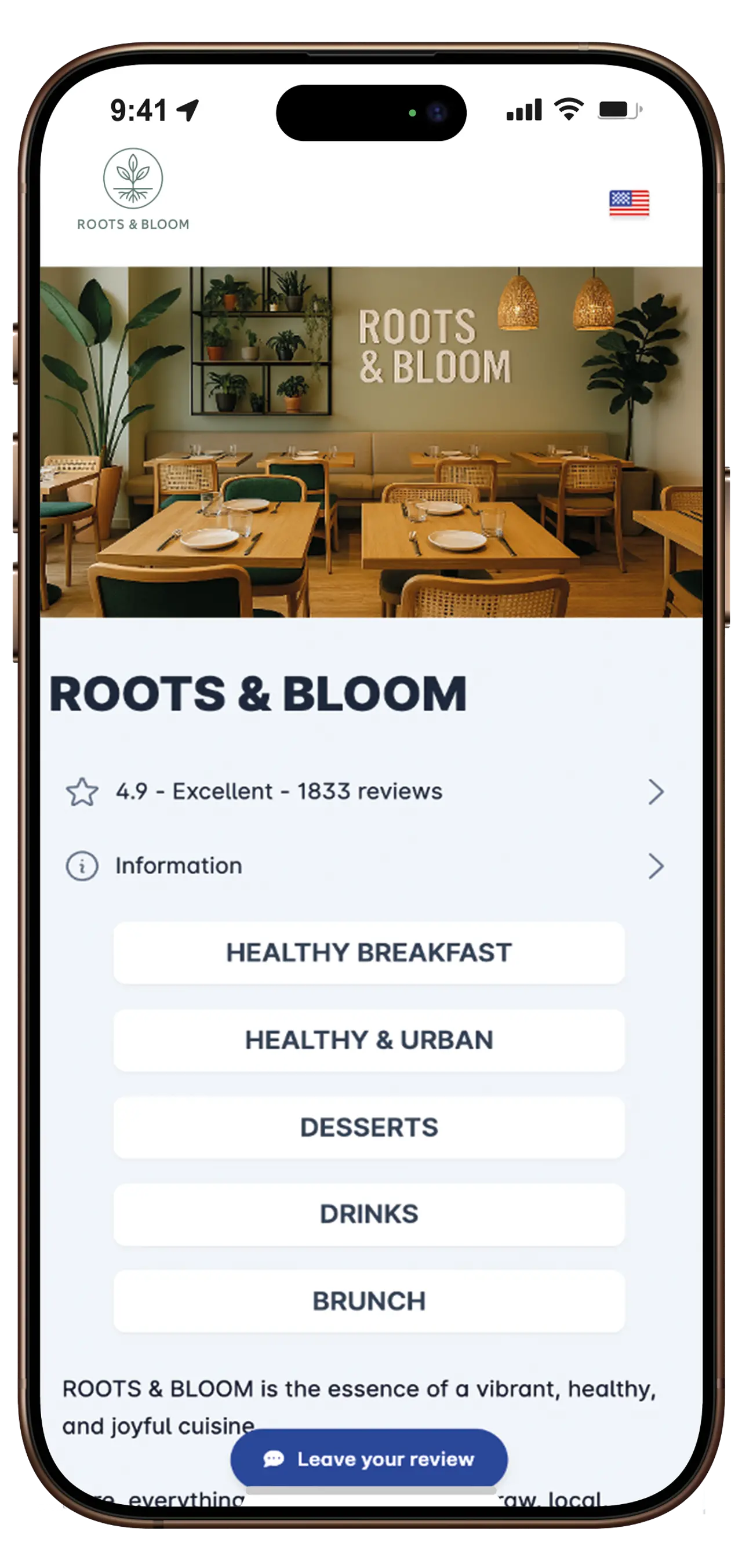
Let customers rate directly from your menu
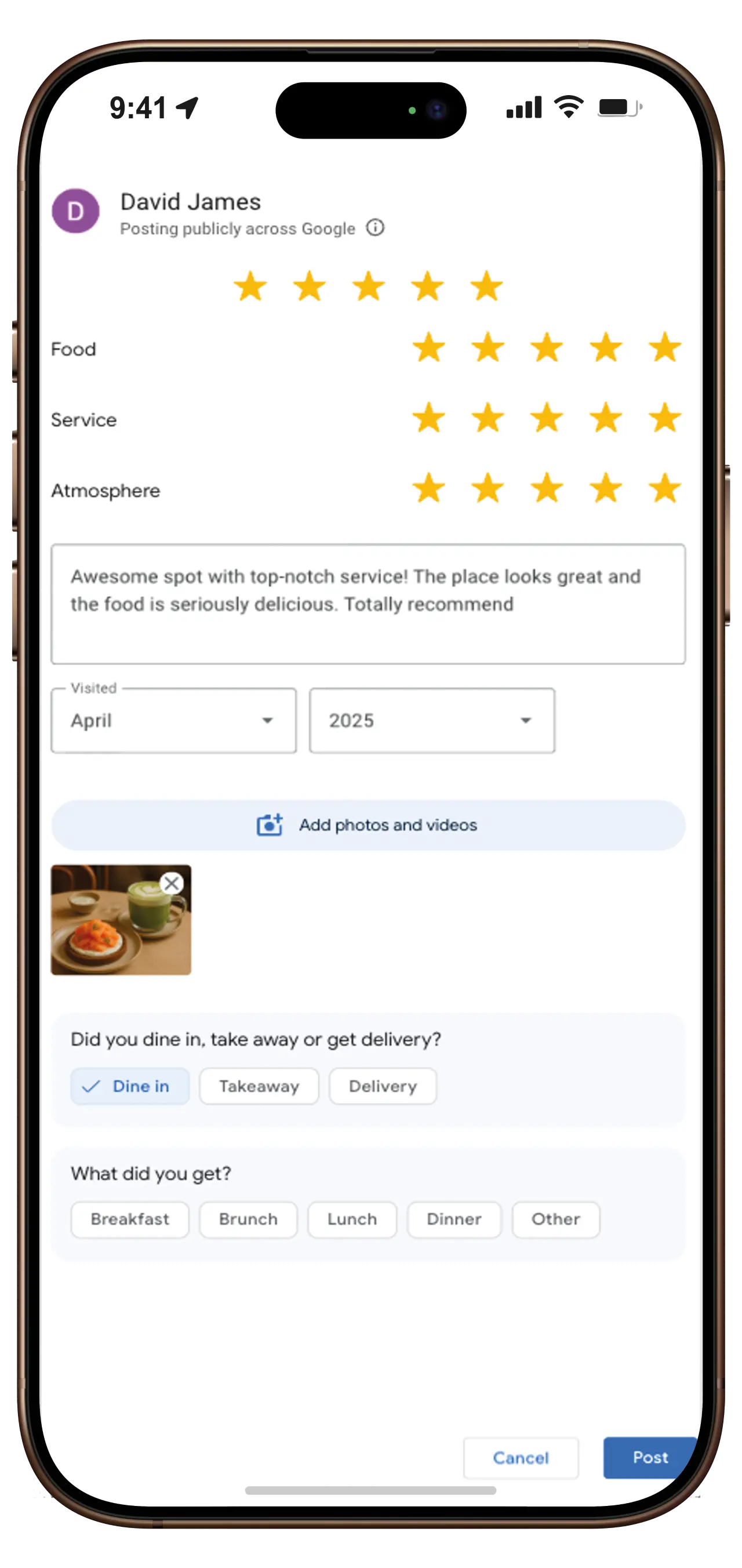
Sync in real-time with your Google Business listing
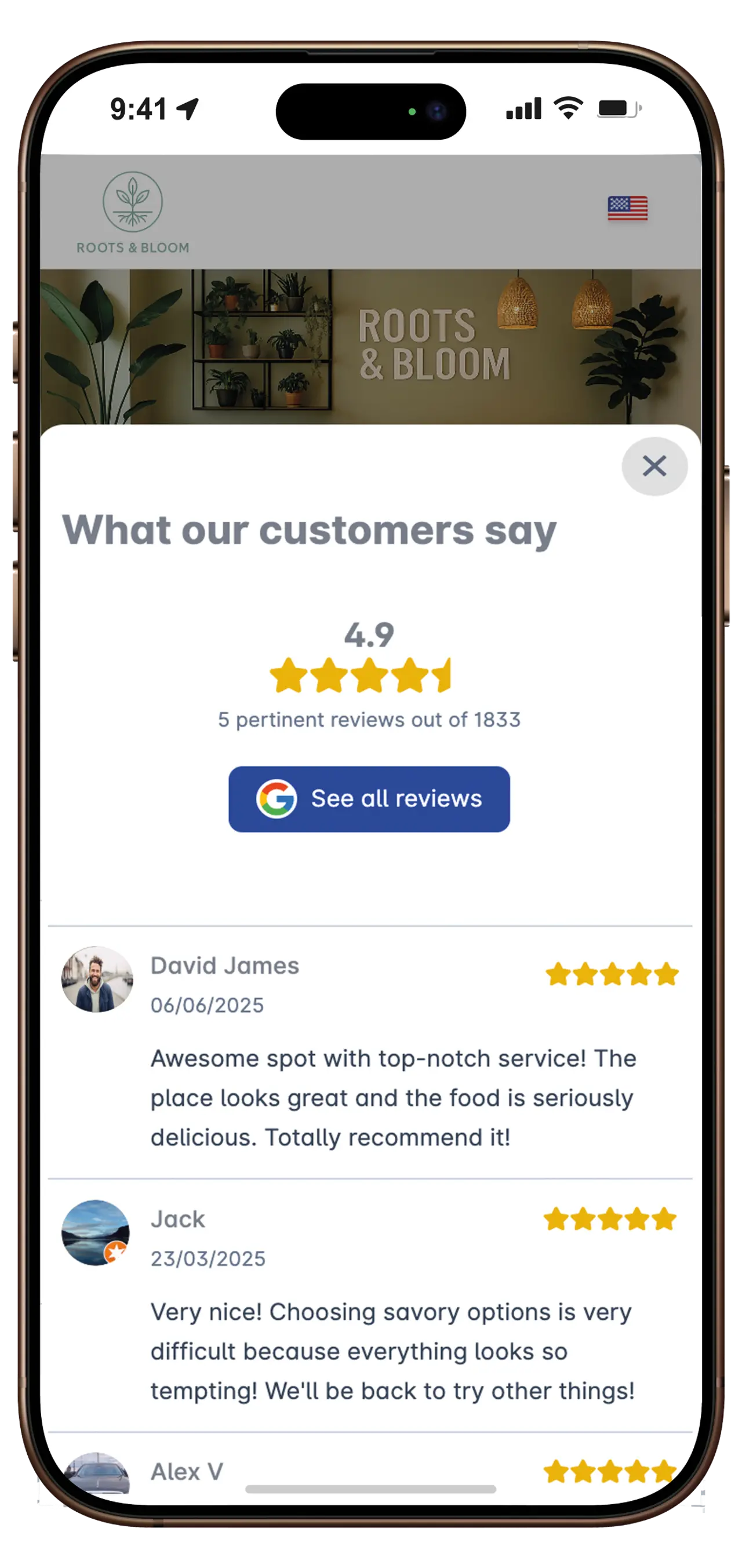
Automatically display your best reviews
Let customers rate directly from your menu
Sync in real-time with your Google Business listing
What our customers say
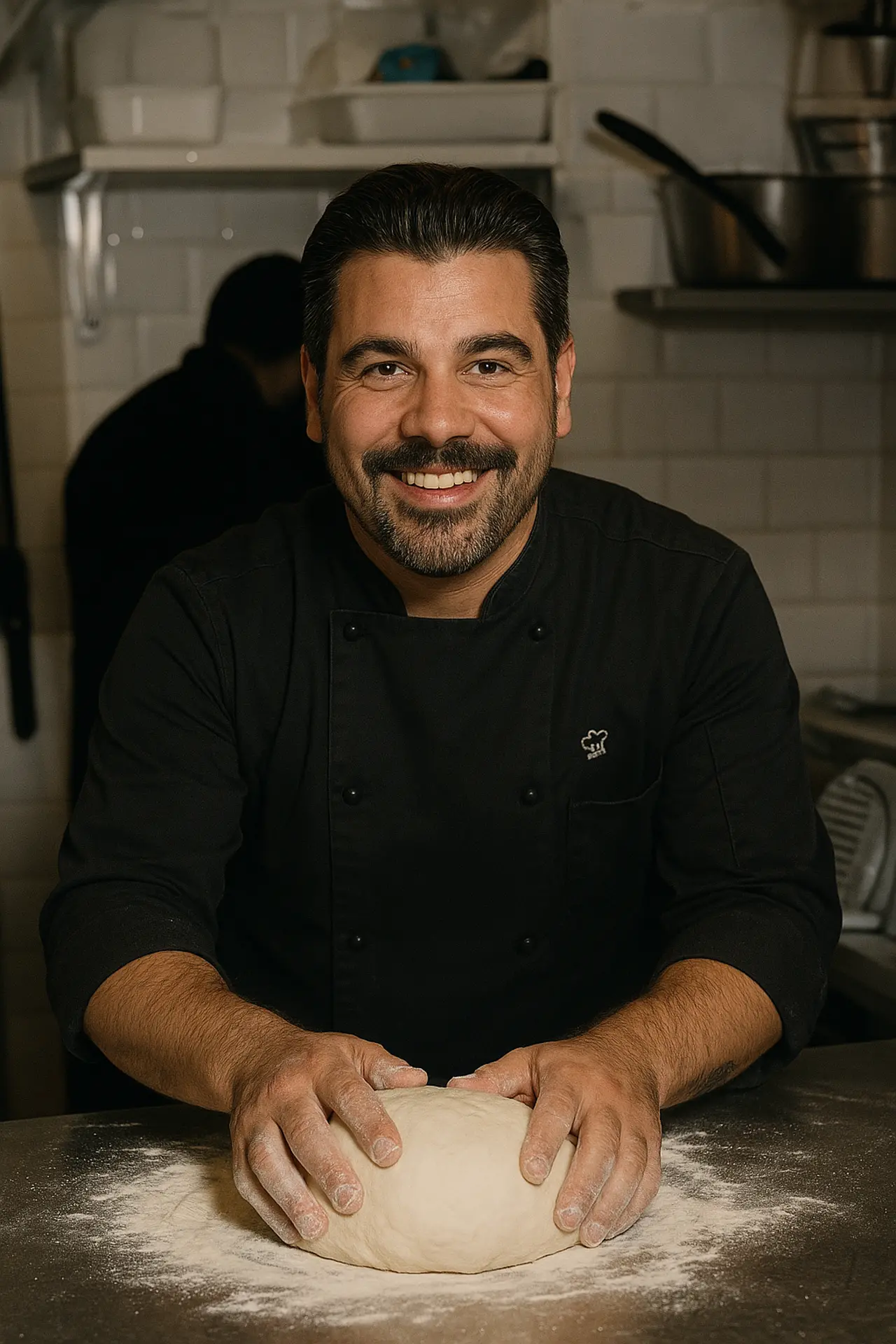
Since we started using ShevaFood, everything is simpler. Customers scan and immediately see the menu, photos, allergens, even translations. Need to change a dish? Just two clicks and it's done. Honestly, it's freed us from paper menus and looks super professional. We highly recommend it!
Gianni
SCIALLA PIZZERIA, Paris, France
Since we started using ShevaFood, everything is simpler. Customers scan and immediately see the menu, photos, allergens, even translations. Need to change a dish? Just two clicks and it's done. Honestly, it's freed us from paper menus and looks super professional. We highly recommend it!
Gianni
SCIALLA PIZZERIA, Paris, France

This is exactly what I needed! Beautiful online menu, easy to update, and available in multiple languages. Customers find it convenient and it reflects my restaurant's atmosphere well. I save so much time. Even my Google reviews are displayed, it's great!
Fadila
Lovely Thai, London

I work at food markets so I don't have time to manage printed menus. With ShevaFood, people scan, see the dishes, prices, everything they need. It's fast, clear, and looks very professional. I can change the menu based on the dishes of the day. Honestly, it's made my life so much easier.
Marwane
Kasbah Moroccan Cuisine, Sydney
Experience our QR menu solution
See how easy it is to create and manage your own digital menu with our intuitive platform
Get started in three simple steps
Sign up for a free account
Upload your menu items and customize
Generate your QR code and share with customers
Try it right now
Start your digital menu journey today
Create your menu
Upload your menu items, add images, descriptions, and pricing in our intuitive dashboard.
Design your branding
Add your logo, customize colors, and make your menu reflect your brand identity.
Go live instantly
Generate your QR codes, print them, and start offering a seamless digital menu experience to your customers.
No, ShevaFood is not a native app. Your customers don't need to download anything. As soon as they scan your QR code, they are redirected to a web page containing your restaurant menu.
Absolutely! ShevaFood is designed to be user-friendly, without requiring programming or design skills. Our intuitive editor allows you to create, organize, and update your menu in just a few clicks.
Yes, you can modify all details of your menu whenever you want. If you run out of a dish, simply access the dashboard and temporarily hide it from your menu.
Yes, our team is constantly working on improving ShevaFood. We plan to add more advanced statistics, more customization options, and integrations with other restaurant tools soon to make your experience even smoother.
Of course! You can use ShevaFood with our Free plan. If you want more features like multilingual support or advanced statistics, you can upgrade to our Premium plans at any time.
Ready to transform your restaurant's menu?
Quick Setup
Be online in less than 10 minutes
Multiple Languages
Reach all your customers
Boost Your Revenue
Increase orders by 25%
Try our QR code menu now
View Demo